From 0 to 1: A Practical Guide to Developing a Serial Port Screen and Host Computer Software
From 0 to 1: A Practical Guide to Developing a Serial Port Screen and Host Computer Software
As a national high-tech enterprise, 金鹏实业 has been focusing on the R&D and manufacturing of serial port screens, TFT color LCD modules, and OLED display modules for 21 years. Today, we will combine our years of industry experience to explain in detail the entire process of developing a serial port screen and host computer software from scratch, helping you get started quickly and complete your projects efficiently.
Introduction
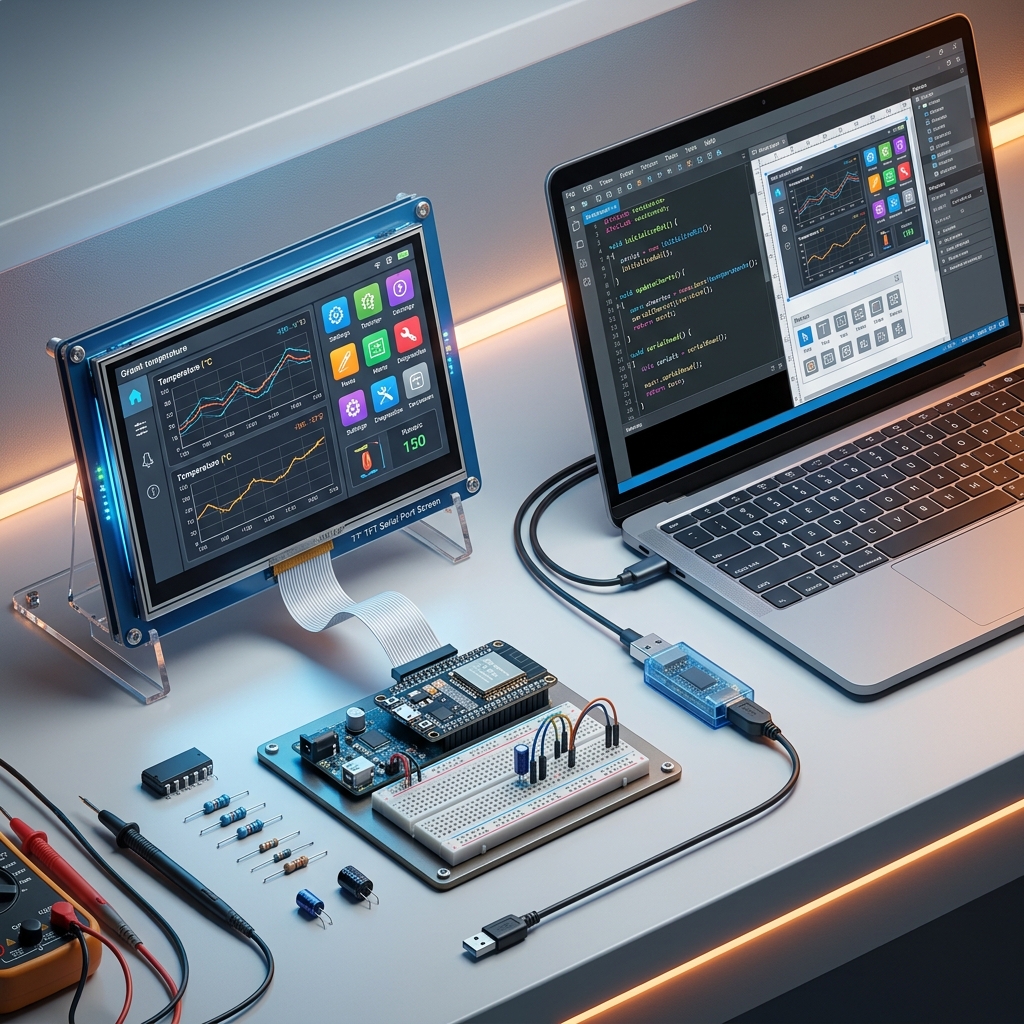
With advantages such as short development cycles, ease of use, and simple interfaces, serial port screens are widely used in industrial automation, medical devices, smart home, and other fields. The host computer software is the key to interacting with the serial port screen, responsible for data collection, processing, and display. This article will take you step by step through the entire development process of a serial port screen and host computer software.
Core Content
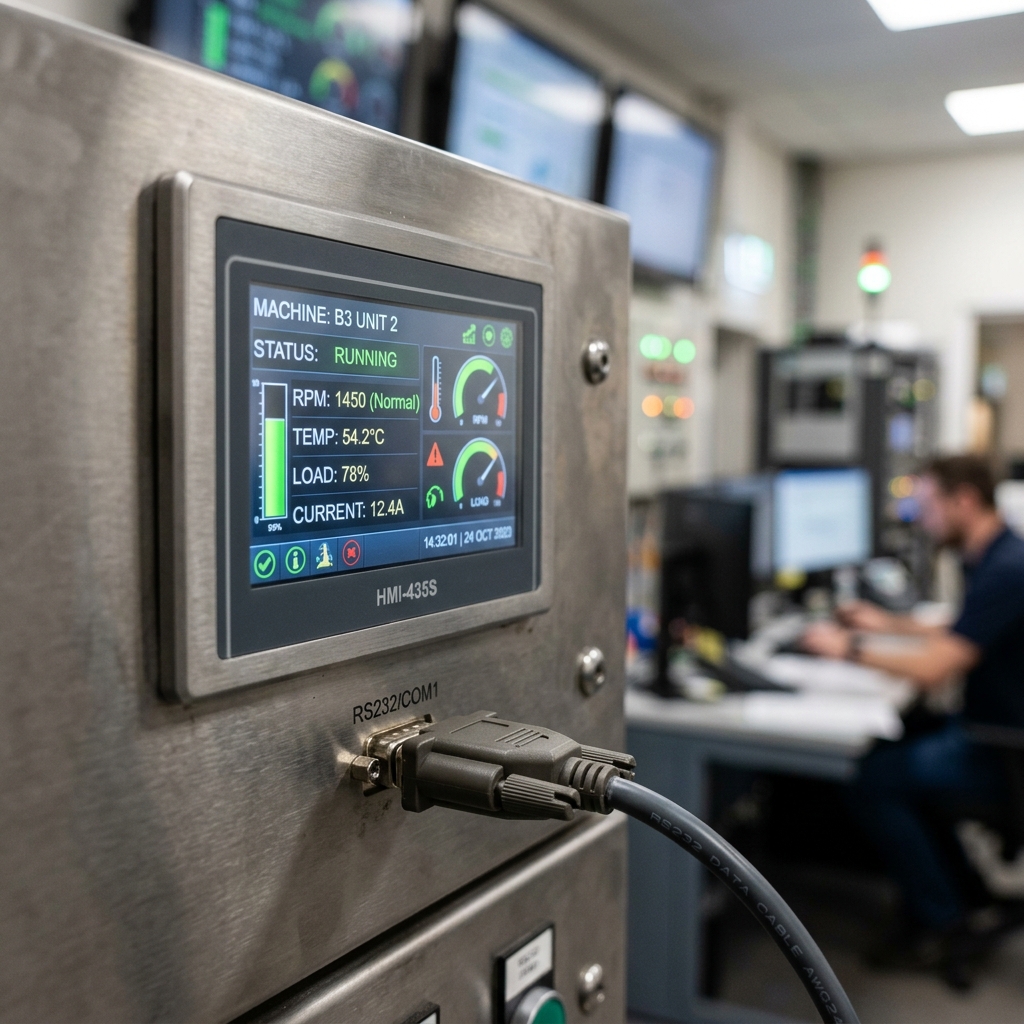
1. Hardware Selection
- Serial port screen: According to project requirements, choose an appropriate serial port screen. 金鹏实业 offers a variety of serial port screens in different sizes, resolutions, and interface types to meet your diverse needs. When selecting, consider the following factors:
- Screen size: Choose the appropriate screen size based on the application scenario.
- Resolution: Ensure the screen resolution meets the display requirements.
- Interface type: Select an interface type compatible with the host computer, such as RS232, RS485, TTL, etc.
- Touch method: Choose resistive touch or capacitive touch as needed.
- Host computer: It can be a PC, industrial computer, microcontroller, etc., as long as it has serial communication capability.
- Connection cable: Choose an appropriate serial cable to ensure stable signal transmission.
2. Protocol Design
The protocol is the bridge for communication between the serial port screen and the host computer. Designing a reasonable protocol is crucial. A protocol typically includes the following parts:
- Frame header: Used to identify the start of a data frame.
- Command word: Indicates the operation to be performed, such as writing data, reading data, control commands, etc.
- Data length: Indicates the length of the subsequent data.
- Data content: The specific data to be transmitted.
- Checksum: Used to verify data integrity.
- Frame tail: Used to identify the end of a data frame.
3. Software Architecture
Host computer software usually adopts a modular design, mainly including the following modules:
- Serial communication module: Responsible for sending and receiving data to and from the serial port screen.
- Protocol parsing module: Responsible for parsing received data frames and extracting useful information.
- Data processing module: Responsible for processing, calculating, and storing collected data.
- Interface display module: Responsible for displaying processed data on the interface in the form of charts, text, etc.
- Control logic module: Responsible for sending control commands to the serial port screen based on user operations.
4. Communication Implementation
- Serial port initialization: Set parameters such as baud rate, data bits, stop bits, and parity.
- Data sending: Encode the data to be sent into frames according to the protocol format and send them through the serial port.
- Data reception: Monitor the serial port and store received data in a buffer.
- Protocol parsing: Read data from the buffer, parse it according to the protocol format, and extract useful information.
5. Debugging Tips
- Use a serial port debugging assistant: Conveniently send and receive serial data to verify whether the protocol is correct.
- Use an oscilloscope: Observe the waveform of the serial signal to determine whether there are issues such as signal interference or baud rate mismatch.
- Logging: Record key information in the software to facilitate troubleshooting.
Practical Applications
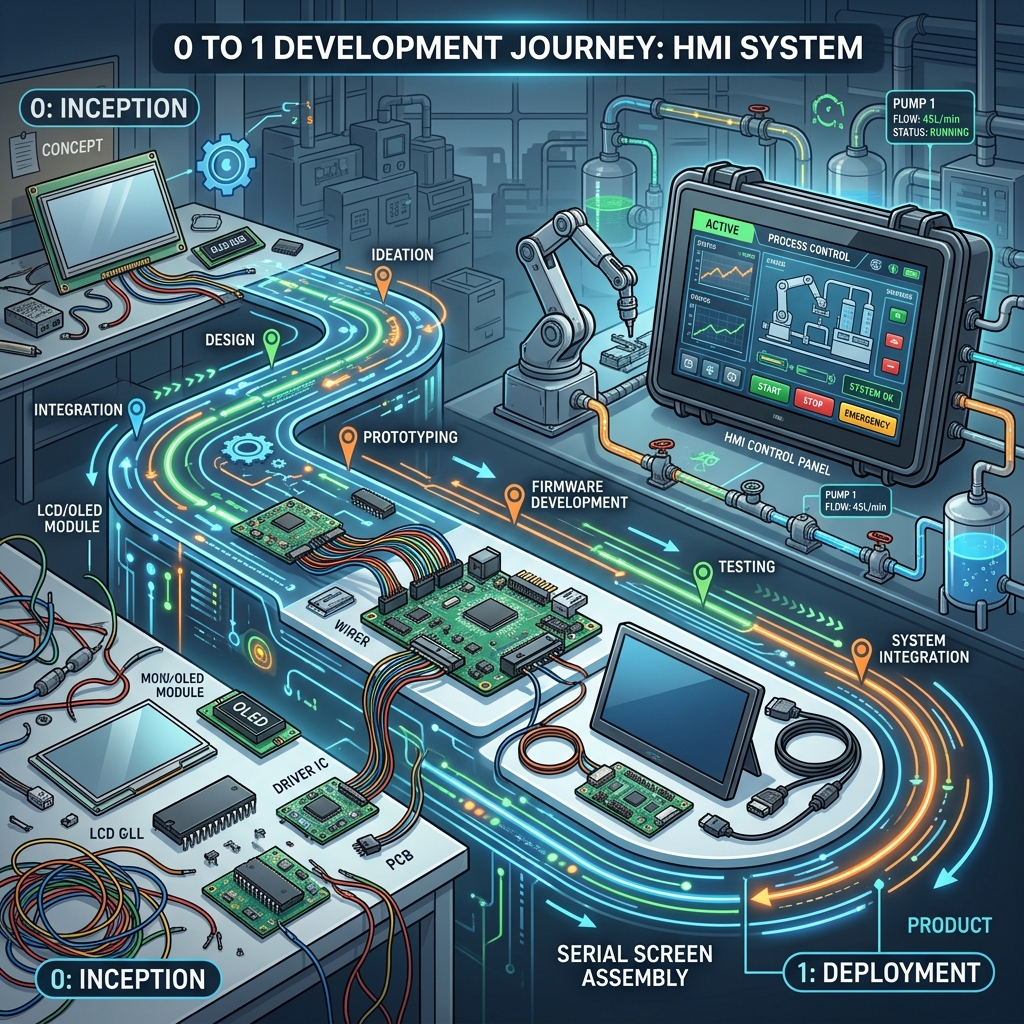
Serial port screens and host computer software are widely used in the following fields:
- Industrial automation: Used for monitoring equipment operation status, setting parameters, displaying alarm information, etc.
- Medical devices: Used for displaying patient physiological parameters, controlling equipment operation, recording data, etc.
- Smart home: Used for controlling home appliances, displaying environmental parameters, providing human-machine interaction interfaces, etc.
Selection Suggestions
When selecting a serial port screen, in addition to hardware parameters, also consider the following factors:
- Development boards and support: Whether the manufacturer provides complete development boards and technical support.
- Documentation: Whether the manufacturer provides detailed documentation, including datasheets, protocol manuals, example code, etc.
- After-sales service: Whether the manufacturer provides good after-sales service and timely resolution of issues.
Summary
Developing a serial port screen and host computer software requires knowledge of hardware selection, protocol design, software architecture, communication implementation, and debugging techniques. Through this article, we believe you now have a deeper understanding of the entire serial port screen development process. If you have any questions or need further assistance, please feel free to contact 金鹏实业, and we will serve you with all our heart.
Keywords: Serial port screen development